
PuzzleBoard lets you generate precision calibration patterns at true 1:1 scale, directly in your browser. Design your layout, preview it instantly, and order with confidence—what you see is exactly what gets printed. Read More
This video demonstrates the PuzzleBoard calibration target — a pattern that combines checkerboard structure with lightweight positional encoding. Each section of the board is uniquely identifiable, even at low resolution or when only partially visible. For calibration accuracy, PuzzleBoard targets should be printed on a rigid substrate rather than paper.
PuzzleBoard Calibration Targets
Why PuzzleBoard Works Better
Non-Repeating Geometry for Robust Camera Calibration
PuzzleBoard calibration targets are designed for high-accuracy camera calibration where traditional checkerboards and repeating patterns introduce ambiguity.
By using non-repeating, puzzle-like geometry, each feature on the board is uniquely identifiable — enabling reliable calibration even when the target is partially visible, viewed at steep angles, or used across multi-camera systems.
Integrated directly into FoamCorePrint’s online Pattern Generator, PuzzleBoard allows you to design and print a custom calibration target on the substrate of your choice.

Why Choose PuzzleBoard?
Non-Repeating Features (No Ambiguity)
Each feature is geometrically unique, eliminating false matches common with repeating patterns.
Works When the Full Board Isn’t Visible

More Reliable Calibration Results
Scales Cleanly to Large Boards
Design Your PuzzleBoard Online
PuzzleBoard is built directly into our online pattern generator, allowing you to define board size, feature density, spacing, and layout in one streamlined workflow. Your pattern is generated instantly at a true 1:1 scale, so the design you see is exactly what gets printed—ensuring dimensional accuracy from creation through final production.
PuzzleBoard Pattern Generator
Adjust your PuzzleBoard's target details using our PuzzleBoard pattern generator. Change settings such as board height, width, the number of rows, columns, checker width, and start offset for both X and Y axes.
-
PuzzleBoard
Upload Your Own Design
To begin your order with your own design. Click the button below, drag all files into the "file uploader," and proceed to update your board dimensions and finish options. View and approve your online proofs, and wait for delivery! View File Requirements & Helpful Ordering Tips.
-
Accepted file formats: .pdf, .ai, .eps, and high-resolution full-scale .tiff, .tif, .jpg, .jpeg, and .png files.
Helpful Ordering Tips When Uploading Your Own Designs
These tips will help you through checkout and ensure your targets deliver the best results!
- Always submit full-scale 1:1 files and adjust the product dimensions to match your file size If necessary, use decimals (this will avoid unwanted scaling).
-
Upload vector PDF or AI file format in CMYK color mode for optimal print results.
-
Double-check to compare your file size to each product size during the proofing process. Make sure they are 1:1. If they are not, you can either remove the files and reupload the corrected versions or update the product finish size to match the file size (repeat step one).
-
FoamCorePrint is not responsible for incorrect patterns or finished product sizes due to improper scaling of customer-submitted artworks.
-
Submit your files for review - We encourage first-time customers to contact our customer support to review all print files before placing orders via live chat or email.
Detection Under Partial Occlusion
Seeing PuzzleBoard in Action
This demonstration shows PuzzleBoard detection remaining stable even when the calibration target is partially occluded by a moving object. Because each region of the pattern is uniquely identifiable, detection can continue without requiring a fully unobstructed view.
This capability is especially valuable in robotics, multi-camera systems, motion capture environments, and other dynamic scenes where occlusion is unavoidable.
Material Options
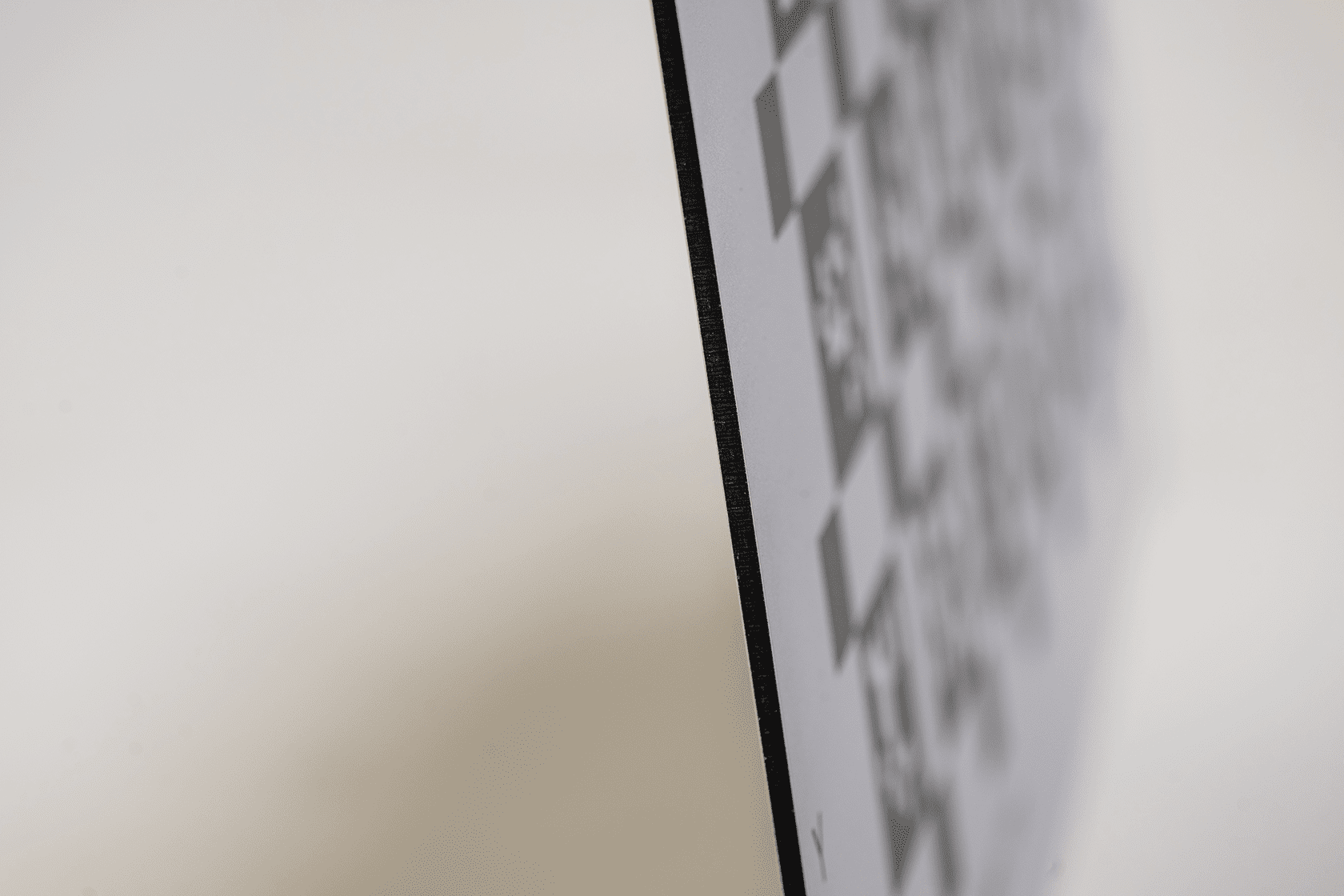
ACM - Technical Material Specs
- Material Thickness: Available in 3mm, 6mm
- Panel Type: Aluminium Composite Panel
- Surface: Machined for an extremely smooth surface free from imperfections
- Temperature Range: from -50°C to +80°C
- Fire Classification: CLASS A - P/0/1
- Physical Weight: 0.78125 lbs per ft.² (3mm), 1.3125 lbs per ft.² (6mm)
- Finish Option: Includes an enhanced anti-reflective finish - Ultra Matte - (white ink printed edge to edge)
- Manufacturing Tolerance: ±0.004 inches in either direction
- Flexural Strength: 80–100 MPa
- Rigidity: 3mm high, 6mm very high
- Density: (approx.) 3.8 g/m²
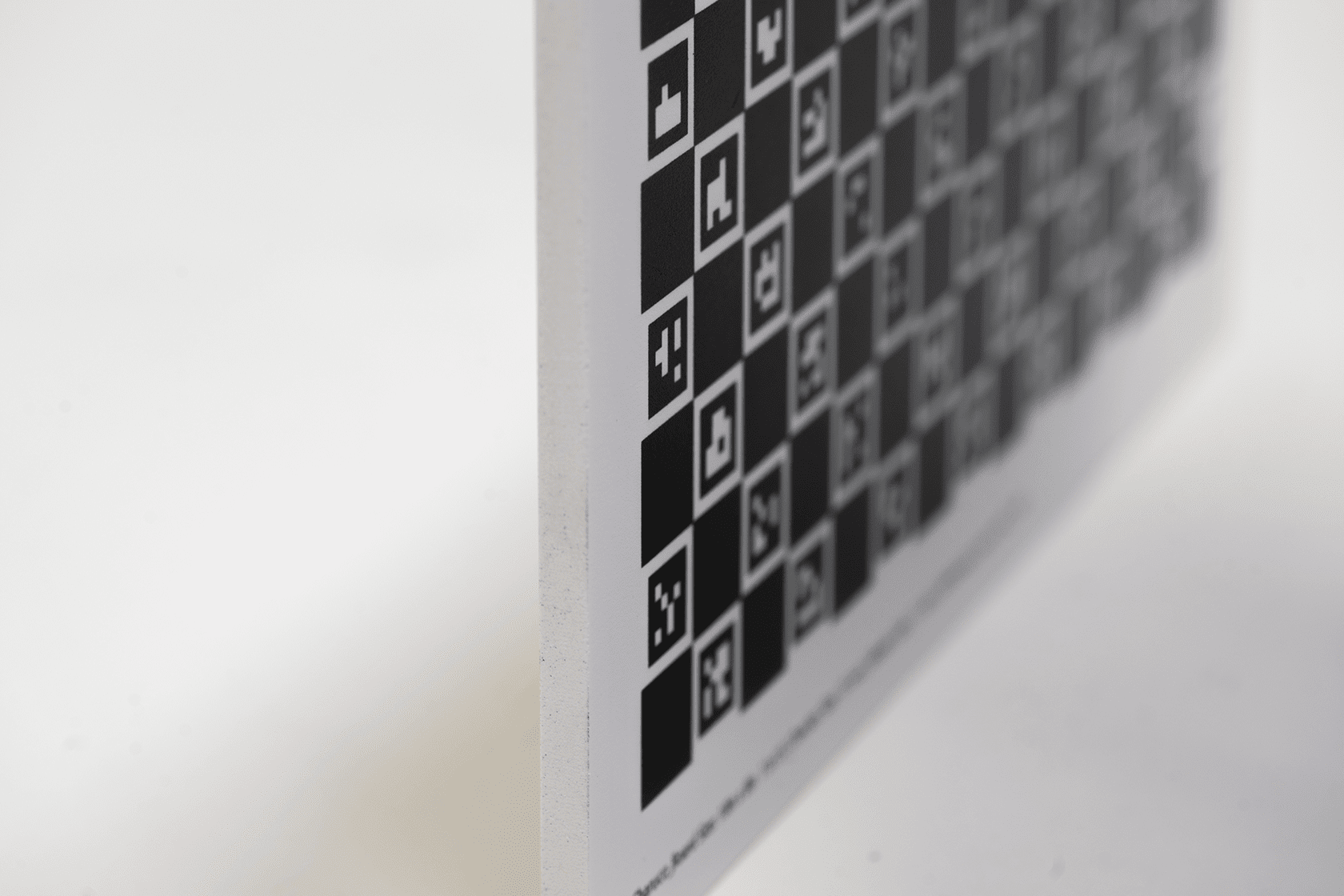
Polyurethane - Technical Material Specs
- Material Thickness: Available in 2mm, 3mm, 6mm, and 12mm
- Panel Type: Polyurethane Panel
- Surface: Compressed foam, which may have some imperfections
- Temperature Range: -29°C to 71°C
- Fire Classification: E-84 Class 1
- Physical Weight: 2mm: 0.296 lbs per ft², 3mm: 0.334 lbs per ft², 6mm: 0.685 lbs per ft², 12mm: 1.187 lbs per ft²
- Finish: Natural Matte (the material has a matte finish)
- Manufacturing Tolerance: ±0.004 inches in either direction
- Flexural Strength: 10–30 MPa
- Rigidity: 2mm low, 3mm low, 6mm medium, 13mm high
- Density: (approx.) ~1.1 g/cm³
Manufactured for Calibration Accuracy
Every PuzzleBoard calibration target from FoamCorePrint is:
-
Generated at true scale
-
Printed with crisp edge definition
-
Produced with tight dimensional control
-
Shipped ready for immediate calibration use
Common Applications
-
Camera intrinsic & extrinsic calibration
-
Stereo and multi-camera systems
-
Robotics and autonomous navigation
-
SLAM and visual odometry
-
Industrial machine-vision inspection
What Is a PuzzleBoard Calibration Target?
PuzzleBoard vs Other Calibration Targets
Software Compatibility & Usage Notes
PuzzleBoard calibration targets are designed to integrate into a wide range of computer vision and camera calibration workflows.
PuzzleBoard patterns can be used with:
- Custom OpenCV-based calibration pipelines
- Robotics and SLAM systems
- Multi-camera and stereo calibration setups
- Machine vision and research applications
Because PuzzleBoard uses non-repeating geometry with positional encoding, detection and decoding depend on the specific calibration or feature-detection implementation being used. Some environments may require custom detection logic or configuration to fully leverage the pattern’s unique properties.
For accurate calibration results:
- The target should be printed on a rigid, dimensionally stable substrate
- The board should remain flat and stationary during capture
- Multiple views from varied angles and distances are recommended
If you have questions about compatibility with a specific software stack or calibration workflow, our team is happy to help.
Why FoamCorePrint?

Award-Winning Customer Service
Our US-based customer support staff is ready to answer any questions during the ordering process and can assist via live chat, phone, and email.

Manufactured In The USA
We proudly print, cut, and ship each target to order in-house in Southern California.

Guaranteed Quality
We guarantee you'll love your high-quality calibration targets. If you don't, we'll be sure to make it right. Learn More

Enjoy Flexible Ordering
Order what you need when you need it, and get discounts buying more in bulk.
Reviews for PuzzleBoard Calibration Targets
Rating
Frequently asked Questions
FAQ
- Use good lighting and place the board flat and stable in the scene.
- Capture frames with significant variation in angle and distance.
- Ensure the board fills most of the camera’s FOV.
YOU MAY ALSO LIKE
Notify on stock availability