Payment Link: Build the Order. Send the Link. Complete the Purchase.
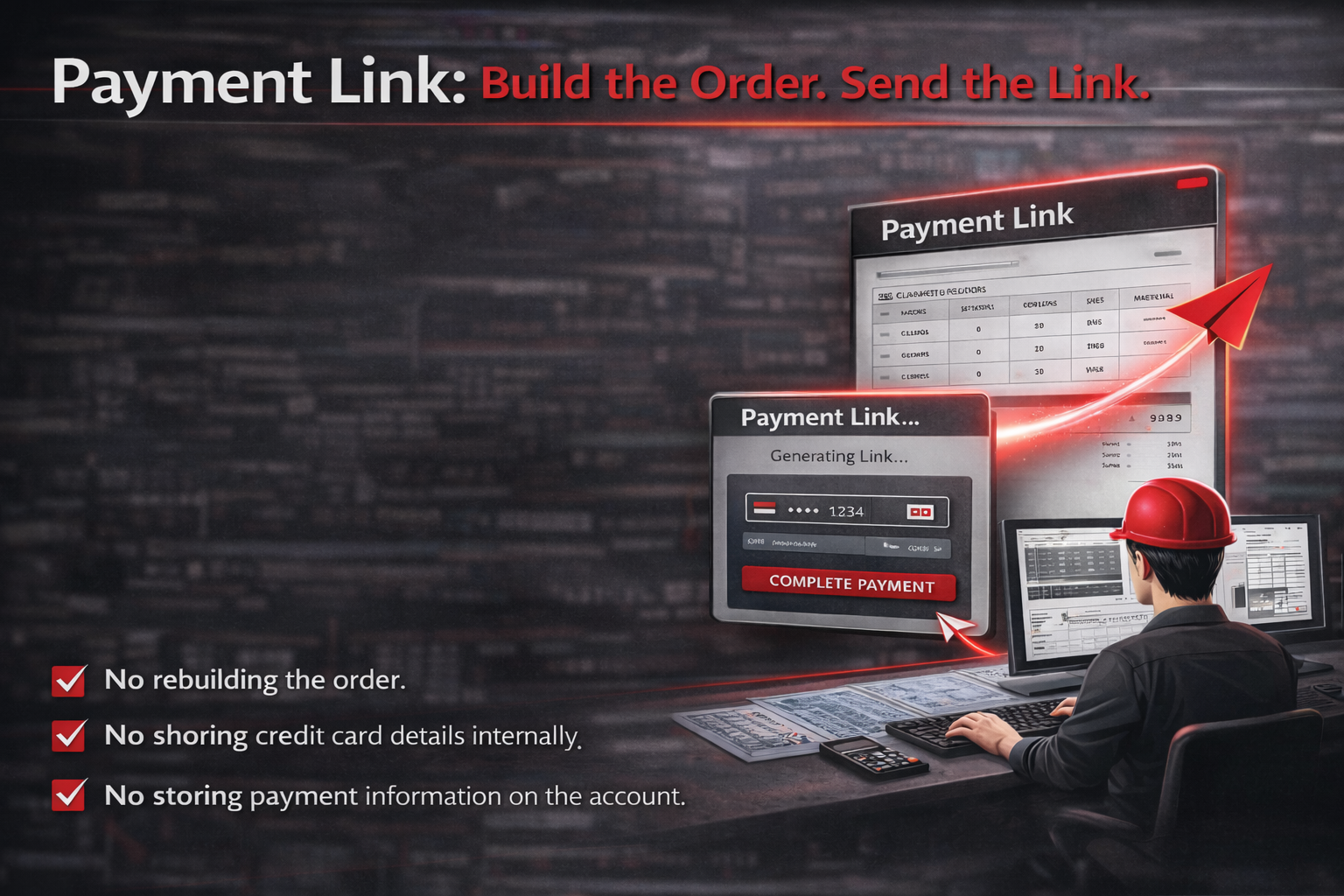
Our Payment Link (pay-by-link) feature was built for real-world company purchasing workflows.
In many organizations, the engineer or project manager knows exactly what needs to be ordered — calibration target specifications, rows, columns, sizes, materials, and quantities — but they are not authorized to use the company P-Card.
Instead of emailing specifications back and forth or asking purchasing to rebuild the cart, Payment Link allows the requester to fully configure the order and securely send a payment link to the authorized cardholder.
The purchasing department simply opens the link and completes payment.
- No rebuilding the order.
- No sharing credit card details internally.
- No storing payment information on the account.
How Payment Link Works
Step 1: Create or Log Into Your Account
To use Payment Link, you must be logged into a registered account.
This ensures:
- Your project is saved
- Order history is tracked
- Future reorders are simplified
Step 2: Build the Order Completely
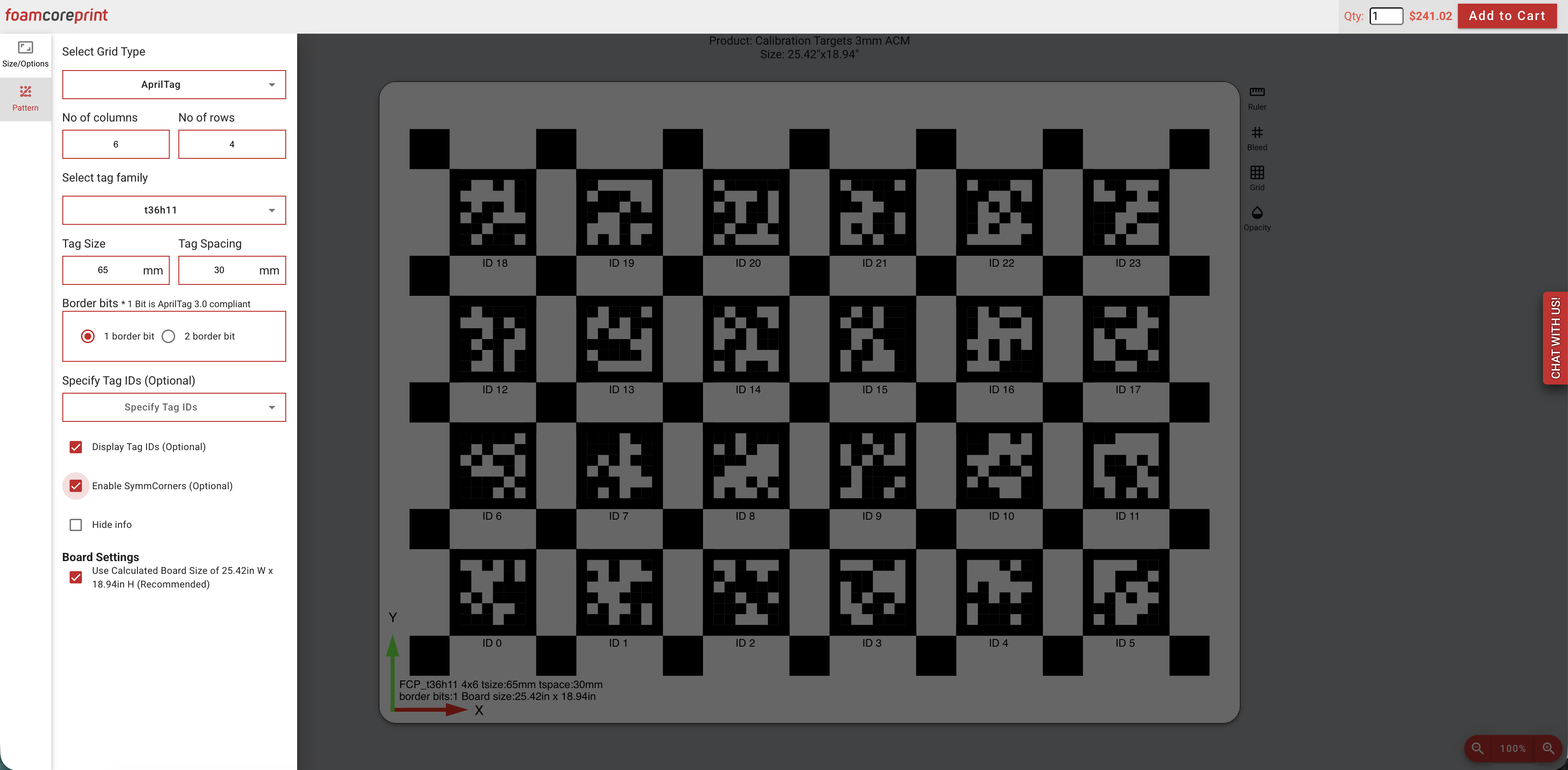
Add your products to the cart and configure everything exactly as it needs to be produced:
- Select all specifications
- Enter rows, columns, sizes, and materials
- Upload artwork or use our design tool
- Confirm quantities
- Enter full shipping information
You will move through the standard checkout process just as if you were placing the order yourself.
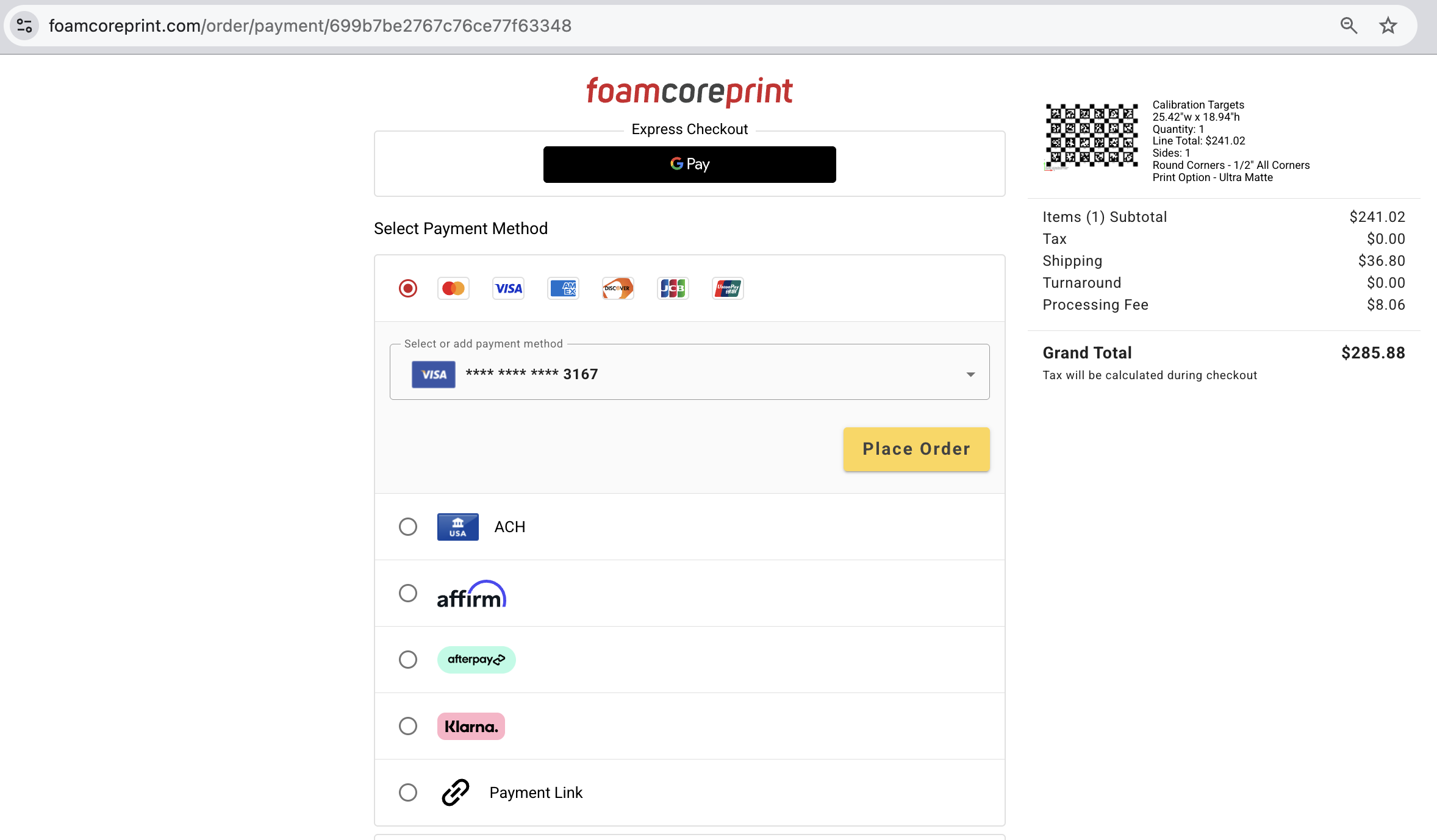
Step 3: Select “Payment Link” at the Payment Step
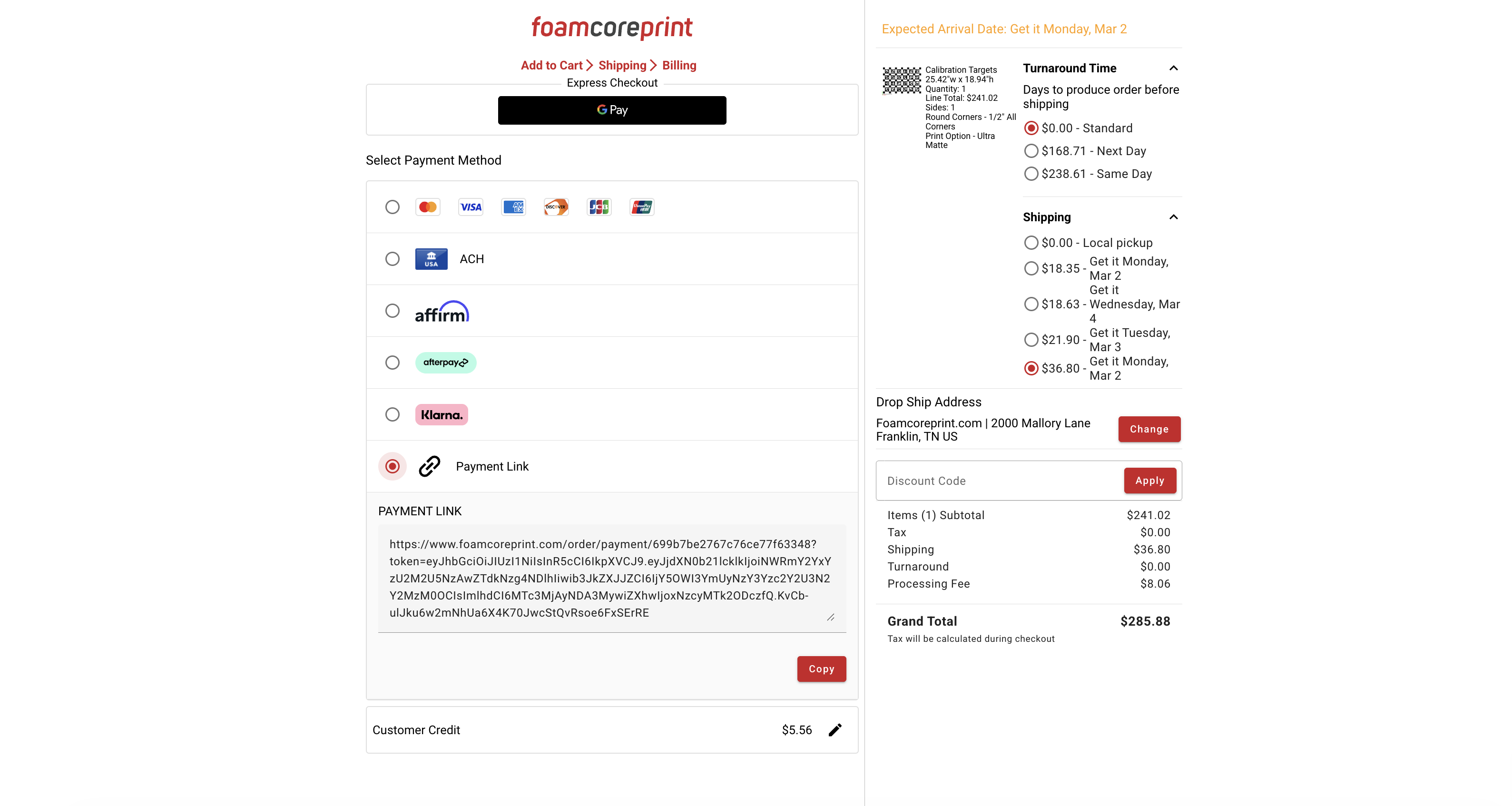
At the final checkout step — where you normally enter payment information — you will see all available payment options, including credit card options and Klarna.
Under those payment methods, select:
Payment Link
This option generates a secure customer link tied to your fully built shopping cart.
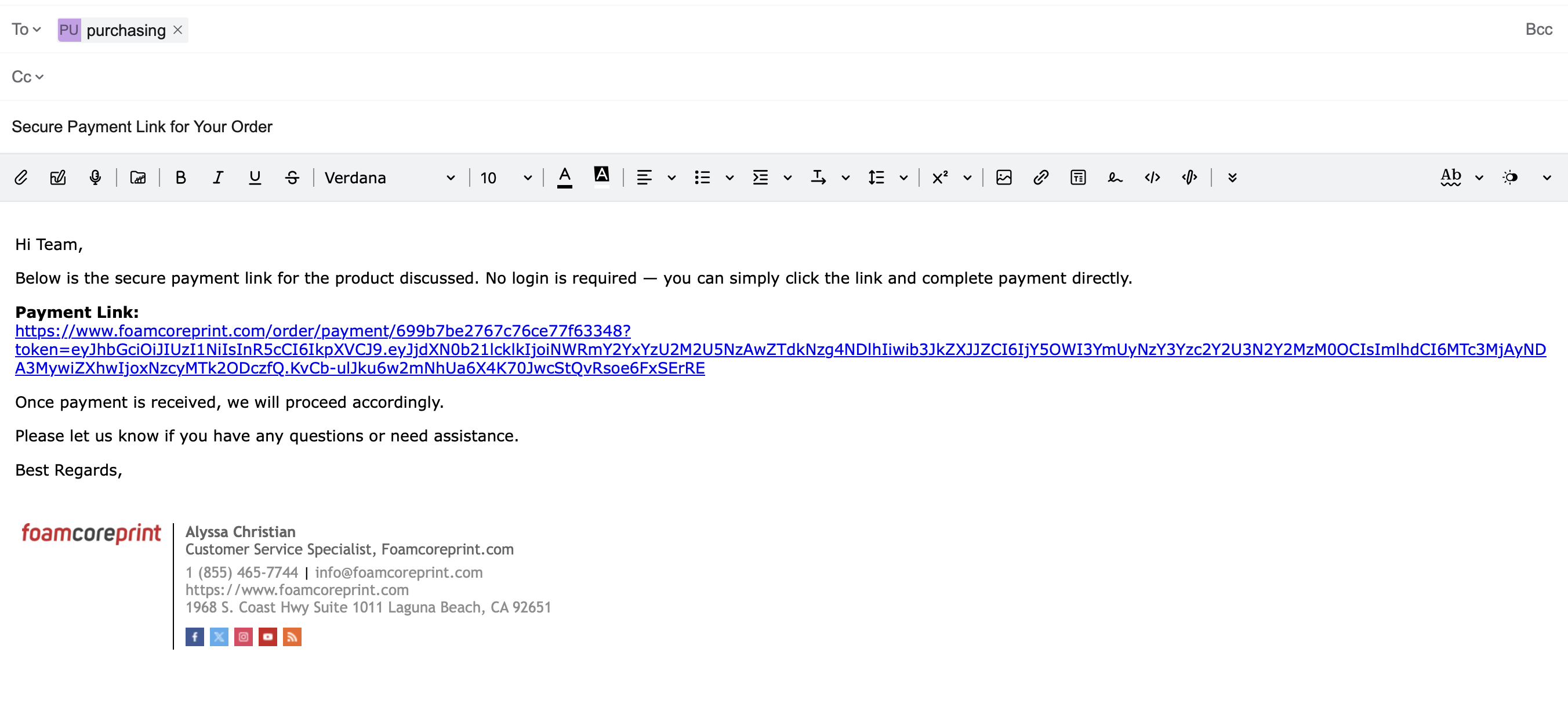
Step 4: Send the Link to Your Purchasing Team
After selecting Payment Link, a unique link is created that can be:
- Copied and emailed
- Sent internally to your purchasing department
- Forwarded to the authorized P-Card holder
The link directs them to your completed cart.
Step 5: Purchasing Completes the Payment
The authorized cardholder:
- Opens the link
- Reviews the cart and totals
- Enters payment information
- Submits the order
They do not need to log into your account.
The credit card is processed for that order only and is not saved to your account.
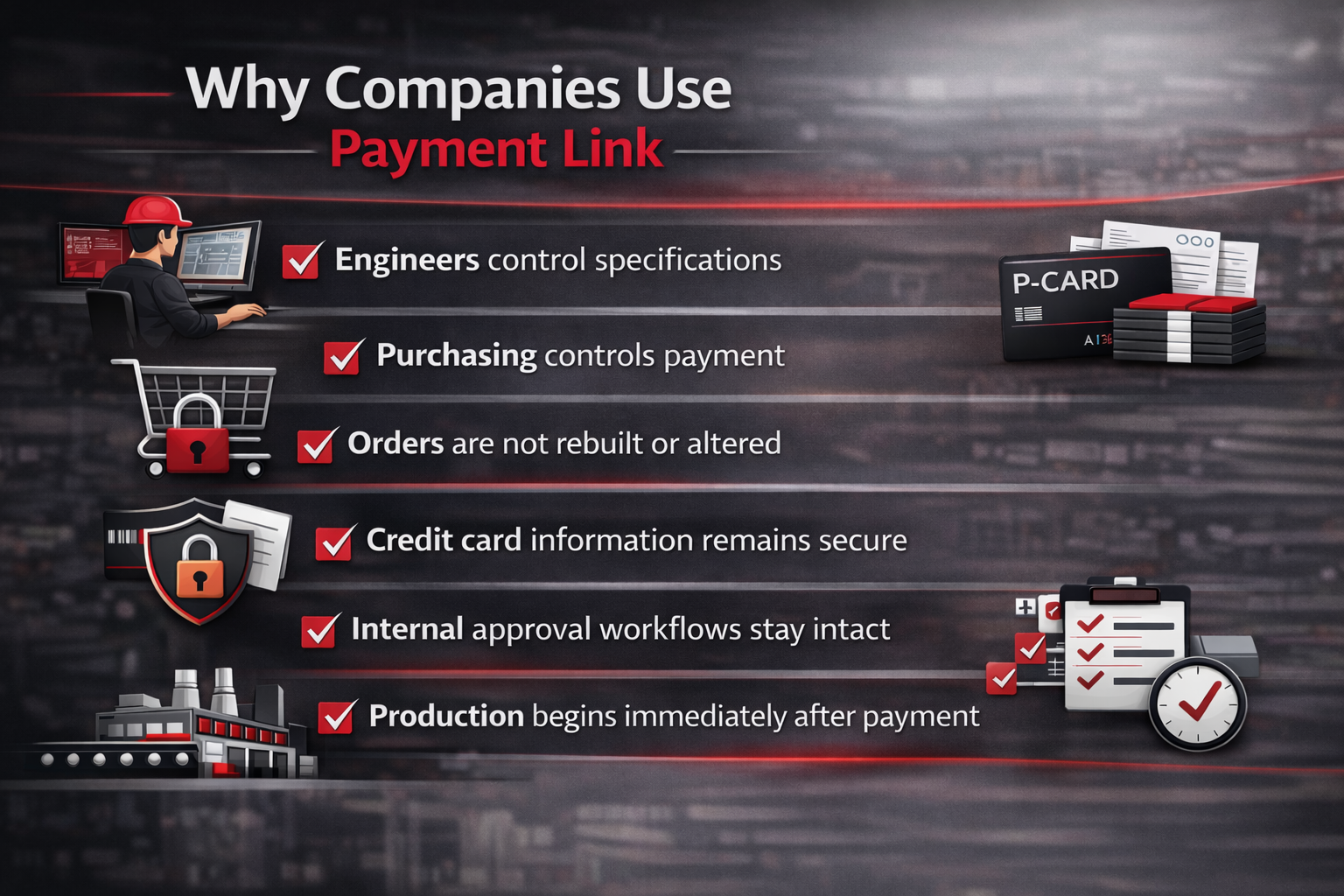
Why Companies Use Payment Link
✔ Engineers control specifications
✔ Purchasing controls payment
✔ Orders are not rebuilt or altered
✔ Credit card information remains secure
✔ Internal approval workflows stay intact
✔ Production begins immediately after payment is completed
Frequently asked Questions
Yes. The person building the order must be logged into a registered account. This ensures your order details, artwork, and shipping information are securely saved and properly associated with your project.
The person completing payment does not need to log in.
If you don’t already have an account, you can register here to use the Payment Link feature:
https://www.foamcoreprint.com/signup